3d Printing Stencils?
2026-10-17Just is just a little one: for an upcoming performance we wanted to stencil some boxes, and cutting out stencils by hand is always a bit of a pain, plus the logos we wanted weren’t going to be easy to stencilize because of the small details and the letters with floating islands in them.
So I thought I’d have a go at 3D printing them, basically a big flat stencil with little “bridges” to hold the islands in place. It seems a bit odd to be 3D printing a thing so solidly of the 2D realm, but here we go …
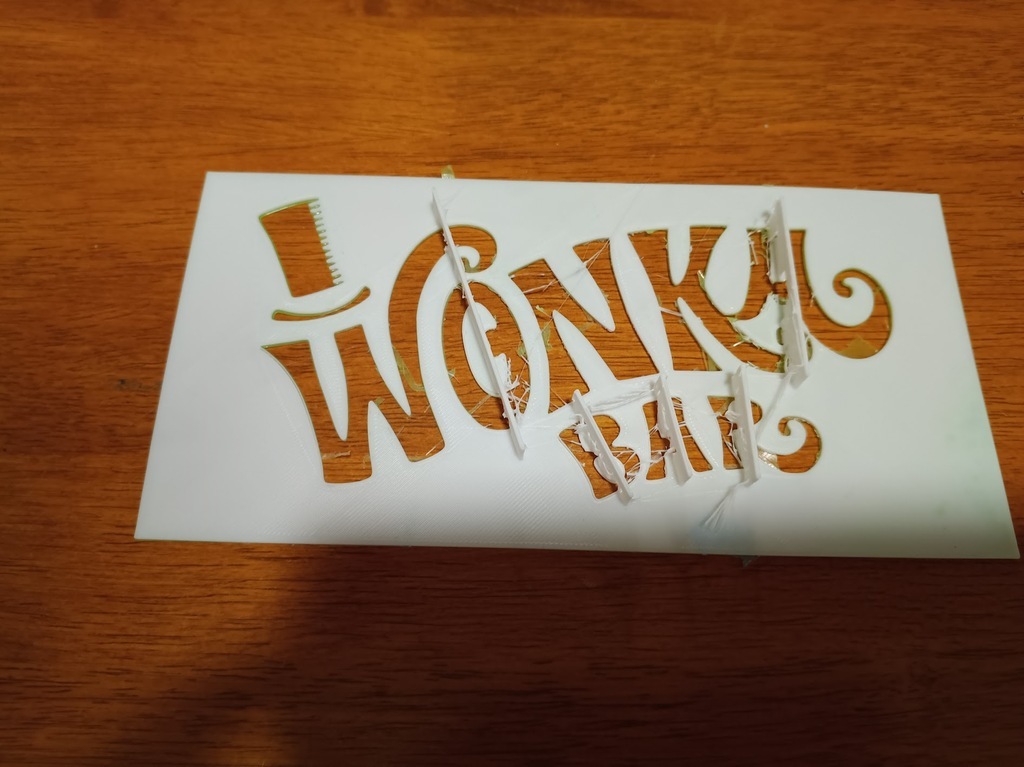 test stencil
That filament isn’t much good, but it’s a scaled-down prototype anyway …
 test spray
After a round of testing I made a full-sized version. The most difficult things with the first round were peeling the stencil off the bed without breaking it, and trimming the supports, so this version has thicker bridges and little “legs” in the larger gaps, so it can be printed without support and the bridges trimmed off with a sharp pair of side cutters.
I also discovered that once it’s been used a couple of times, the drying paint makes the stencil roll up at the corners and at the sticking out internal details, rendering it useless for further jobs, so I made another one even thicker. This doesn’t actually add a lot of time and materials, since (when printed with 0.2mm layers) a 1mm stencil uses 5 solid layers and a 4mm stencil uses 3 solid layers for the top and 3 for the bottom, with 14 infill layers between them at 10% density. So really that’s only 30% more plastic but it is much less prone to warping.
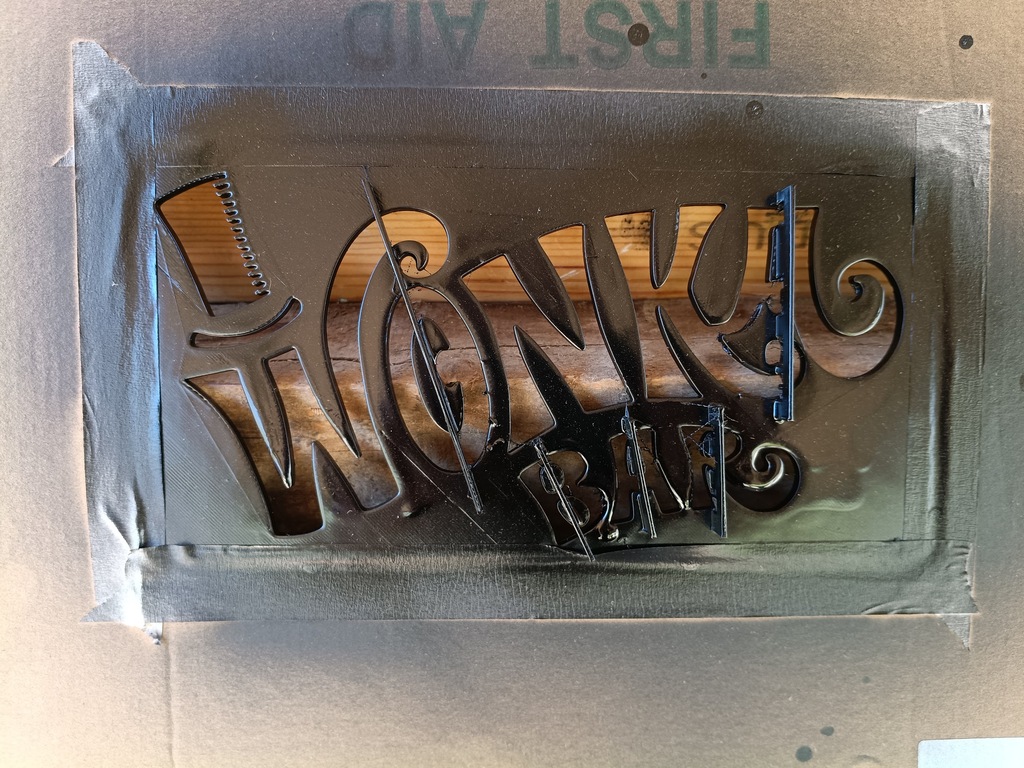 *Thicker stencil (taped into a cardboard surround)
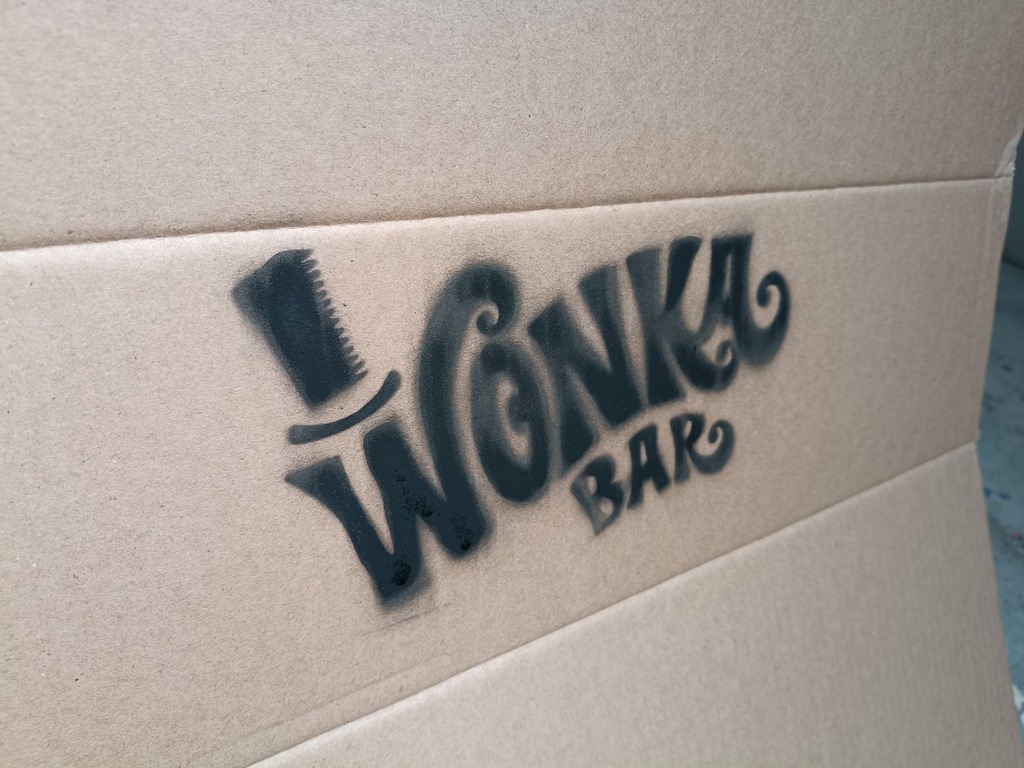 Final spray
Some further reinforcing would help the stencil last longer without warping on the long points in the W, N and K, but not a bad result, and did a stack of these cartons as props for Wonka’s factory scenes … thanks to Sophie for working out her rattle can technique and becoming DVS’s answer to Banksy :-)